

ServicesNetwork Simulations
Test your network before you build it.
We model your network on a computer first (routers, switches, Wi-Fi, servers, links and traffic) so you see how it behaves, where it breaks and what it will cost, before you buy any equipment.
Quoted after a free consultation · fixed price in writingWhat is network simulation?
Before a building is built, an architect makes a model. Network simulation is the same for computer networks: we build your office, school or hospital network on a computer first, then test it (add hundreds of users, cut a cable, switch off a router) to see what happens, without spending money on equipment or risking the real network.
- Model
We copy your network onto the computer: equipment, cables, Wi-Fi and the people using it.
- Test
We put it under pressure: busy days, broken links, failures and attacks.
- Fix
We show you what to change and what to buy, before you spend a cedi.
Real problems it solves.
 “Wi-Fi is slow when everyone is online”
We find out how many people your Wi-Fi can take, and where to add or move access points.
 “We’re opening a new branch”
We design the new site’s network and test it before you buy or install anything.
 “The internet goes down and work stops”
We test what happens when a link fails, and design a backup that takes over automatically.
 “We don’t know what equipment to buy”
We try different equipment on the model and give you a clear shopping list that fits your needs.
 “Is our network safe from attacks?”
We test attacks and firewall rules on the model, safely, without touching your real network.
 “Students and researchers need simulation results”
We help you build and run the simulations for a project or thesis, and explain the results.
What a simulation looks like.
Examples with sample data: the kind of pictures and results you get from us, not a real client’s network.
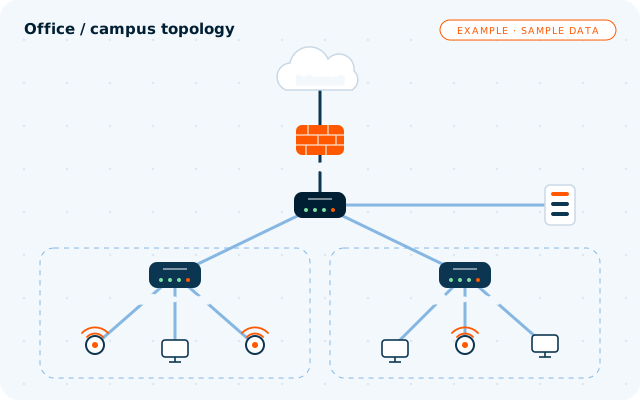 EXAMPLE · SAMPLE DATA
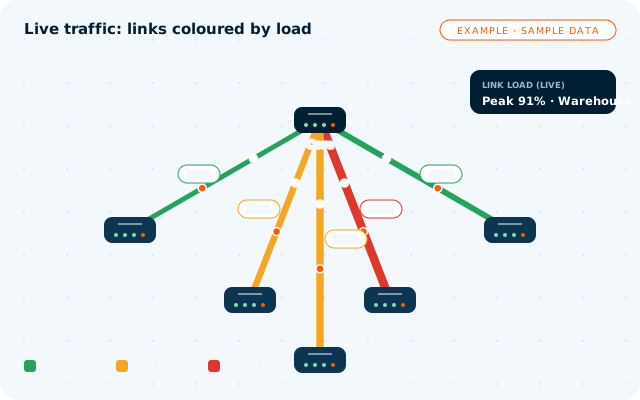 EXAMPLE · SAMPLE DATA
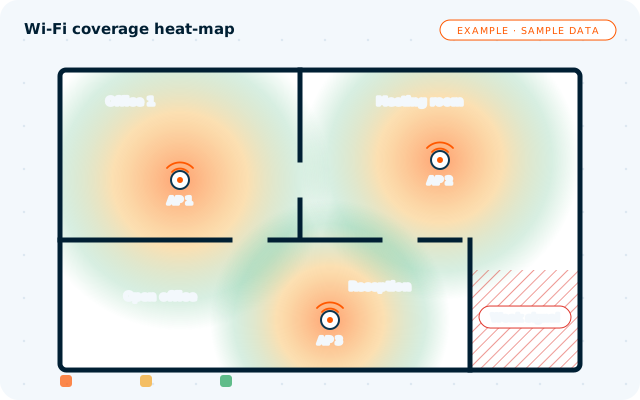 EXAMPLE · SAMPLE DATA
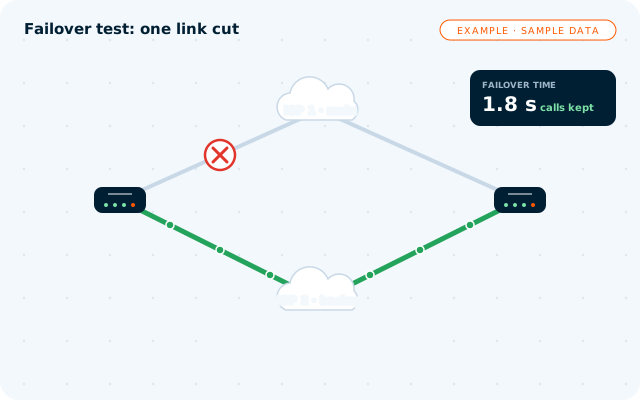 EXAMPLE · SAMPLE DATA
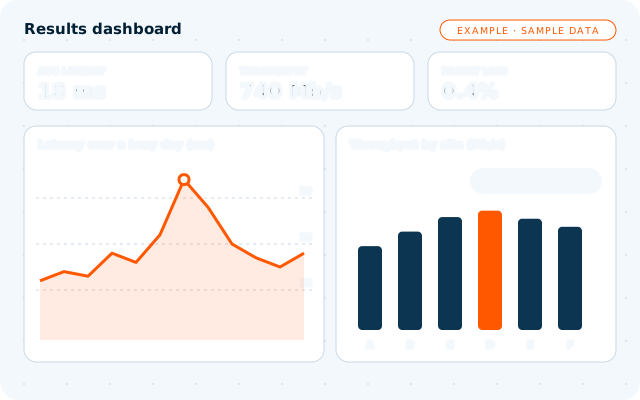 EXAMPLE · SAMPLE DATA
What we simulate
Offices, campuses and branches: how everything connects, before you buy it.
How many users and devices your network can take before it slows down.
Find dead zones and decide where access points should go.
What happens when a link, router or internet provider goes down, and how fast it fails over.
Attacks, firewall rules and network segmentation, tested safely on the model.
Many small devices and sensors talking reliably.
Mobile data and point-to-point wireless links, modelled before you install them.
A working copy of a network for training staff and teaching students.
Built for people like you.
- Businesses opening new offices or branches
- Schools and universities
- Hospitals and clinics
- Internet providers and telecoms
- Hotels
- Banks
- Researchers and students (projects and theses)
What you get.
- Topology diagrams of the network
- Simulation results with charts
- A plain-language report with recommendations
- An equipment list for the recommended design
- The simulation files, so the work is yours
Works with
Five clear steps.
- Understand your needs
We learn how you work, how many people and devices you have, and what must never go down.
- Model the network
We build your network on the computer: equipment, links, Wi-Fi and traffic.
- Run the scenarios
Busy days, failures, attacks and growth: we see where it slows down or breaks.
- Report & recommendations
A plain-language report, charts and an equipment list, explained to you.
- Set up and training (optional)
If you want, we set up the real network and train your staff.
Clear prices. No surprises.
Network simulation project
- Topology diagrams
- Simulation results with charts
- Report with recommendations and equipment list
- The simulation files
Set-up & training (optional)
- We set up the real network
- Staff training
- Support after set-up
Every network is different, so we quote after a free consultation about your size, sites and goals. Student and research projects are quoted on their own.
Questions, answered.
What does it cost to start?
The first consultation is free. After it, you get one fixed price in writing for your project, so you know the full cost before we start. A single office costs less to simulate than several sites.
How long does it take?
It depends on the size of the network and how many scenarios we test. We agree the timeline in writing before we start, and you see results along the way.
Do you need our equipment?
No. Everything is built on the computer. We only need to know what you have today (or plan to have) and how you use it.
Can you also set up the real network?
Yes, if you want: once the design is tested, we can set up the real network and train your staff to look after it.
Can students and researchers hire you?
Yes. We help students and researchers plan, build and run network simulations for projects and theses, and explain the results. The academic work and conclusions remain your own.
See how your network behaves before you build it.
Tell us about your offices, sites or project. In a free consultation we’ll tell you what we would simulate first.
Ask about Network Simulations.
Leave your number and we’ll call you back for a free chat about what you need. Or message us on WhatsApp.
Chat on WhatsApp